SharePoint: 10 Features That Will Transform Your Company Beyond Recognition
May 20, 2026
7 minutes
Readings
In the digital jungle of corporate technology, alongside renowned names like Microsoft Teams or Slack, lies a quiet titan that plays a significantly larger role than most companies attribute to it. In the hands of the right team, SharePoint is a true game-changer, allowing you to manage your business with Swiss-watch precision.
SharePoint: The Unsung King of the Digital World
SharePoint is miles ahead of traditional cloud storage. It's your platform for custom app development. A tool that you It will simplify life, reduce costs and makes you wonder why you haven't been using it to its full potential for so long. We can safely say that SharePoint is your company's central hub..
Which SharePoint features will you love so much that they will fundamentally change how your business operates?
Effective collaboration and information sharing: Goodbye chaos, hello teamwork!
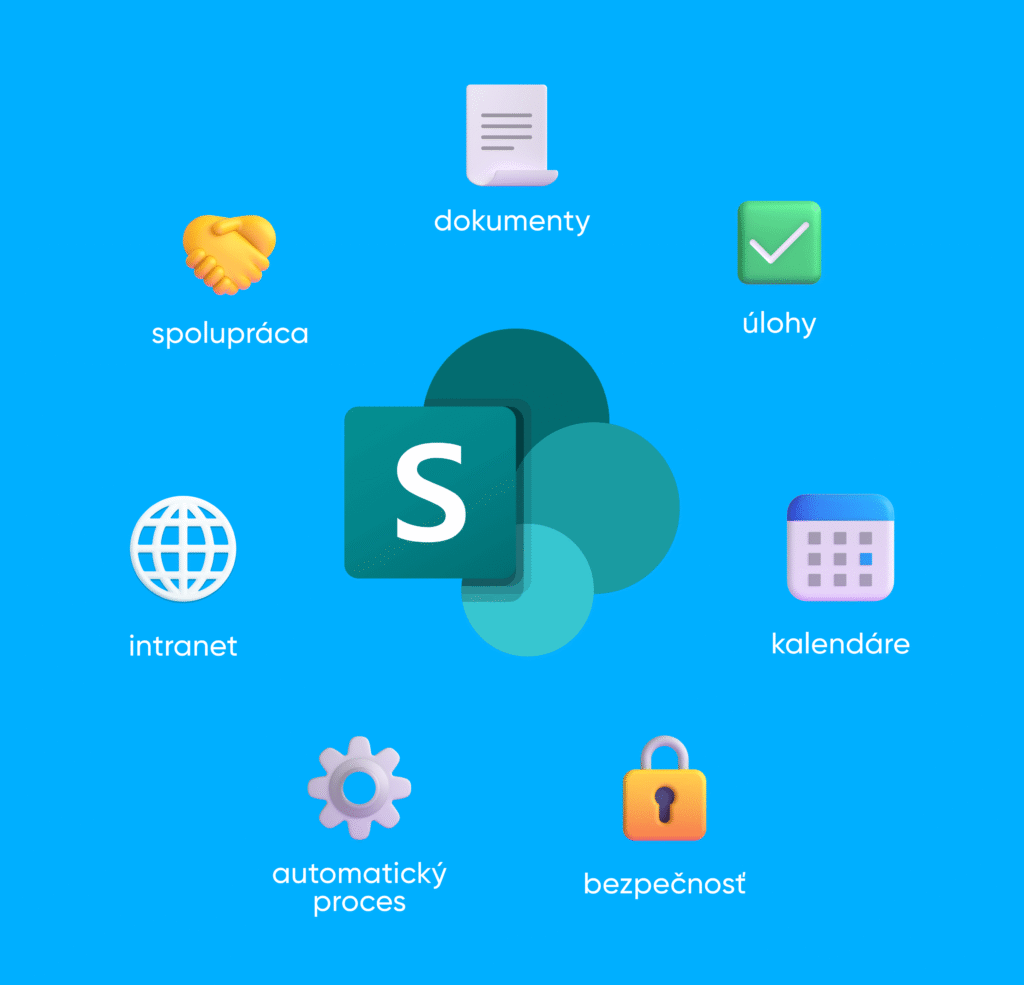
SharePoint allows the entire team to work on the same document simultaneously, without unnecessary questions or the need for email ping-pong. Everyone can add comments, make edits, and immediately see changes and updates. You can also easily set up who has what permissions, whether for internal teams or external partners.
2. Data centralization: The foundation for your central hub
Does organized data bring you peace of mind? SharePoint has the capacity to become your central hub, which unifies all your company's data under one roof. Your company's „goulash“ thus turns into a structured system where you'll find everything you need. If you're still pondering why a central hub, also known as a single source of truth, is the future of every successful company, these 7 reasons will convince you of it.
3. It's a chameleon: a platform that adapts to you
SharePoint is not a one-size-fits-all product. It can adapt to your company's needs, function as an enterprise application for process management, an internal helpdesk, a document library, or anything else you can think of. It's like a tailor-made suit for your business. Thanks to its flexibility, digital transformation of your company is possible without having to invest thousands in programming.
Do you want to be competitive and rise to the top, or be among those who remain in their comfort zone? We know that integrating new processes into an established company can be exhausting. But you don't have to be alone in this. Custom application development they are our specialty and we'd be happy to help you with them.
4. Security: Data are safe and sound where they sleep.
SharePoint adheres to the highest data protection and security standards. including compliance with legal standards. Data is stored in a secure cloud and protected against leaks or cyber threats. Therefore, all information is secured, but at the same time only accessible to those who actually need it. Because certainty is a machine gun.
5. Automation: Saving time and energy
Cross your heart – how many hours does your team waste daily on mundane, repetitive tasks? You probably wouldn't be able to count them. SharePoint enters the scene with with tools to automate tedious processes that eat up your time – from invoice approvals and order processing to administrative workflows that should already be running on their own. With an intuitive Low Code interface in SharePoint, you can quickly set up automated processes without needing an army of programmers.
6. Integration with Microsoft 365 and Other Tools
SharePoint is not a lonely island. It's a great team player for tools like Microsoft 365 and Microsoft Teams. And if you have specific requirements, SharePoint also connects with third-party applications and your CRM or ERP systems, which opens up possibilities for you to customize processes to perfectly suit your business.
7.Automated data imports and exports
Why waste time manually transcribing data between systems when SharePoint can do it automatically? These solutions can regularly update data, minimize human errors, and eliminate tedious, repetitive manual work.
8. Branding and UI Customization: Your Company, Your Style
Who likes generic apps that all look the same? SharePoint allows you to fine-tune the user interface to reflect your branding and company specifics. Additionally, it offers an intuitive user experience, so your employees won't spend days learning where to find things.
9. Built-in analysis and reporting tools
Thanks to built-in analysis and reporting tools, you can track trends, monitor project efficiency, and quickly identify weak spots. This gives you a clear view of what's working and what's not – in real time.
10. Cloud flexibility, accessibility, and storage with unlimited scaling options
SharePoint is fully cloud-based, meaning you can access it from any device and location. This allows you and your employees to work remotely without losing access to important documents and applications. As for storage, whether you have a startup with a small data volume or a company that generates terabytes of documents, SharePoint will adapt to you without limitations and the need to deal with physical servers.
SharePoint case studies
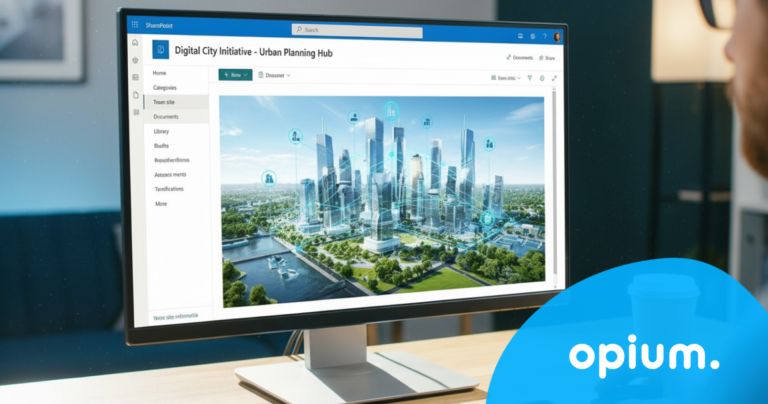
Thanks to SharePoint, we've helped dozens of companies transition to a higher level of efficiency and achieve results that our clients could only previously dream of. An example is the digitalization of the city of Košice, where we created a central hub where city employees can find everything under one roof, from directives and documents to colleague contacts and live streams from city council meetings. Pre-Voyage Career We have developed an application that automates CV processing, analyzes candidate data, and effectively matches them to job openings, thereby significantly accelerating the recruitment process.
Conclusion: SharePoint, the secret of high-performing companies
While the competition clicks through hundreds of spreadsheets, wondering where the East German comrades went wrong, your company with SharePoint will run like a well-oiled machine. Save time, reduce costs, and create a digital environment that is truly productive and secure. To get the most out of this tool and the future of your company, we'd be happy to convince you why partnering with us is worth serious consideration – we're here to set up SharePoint for you so well, you won't even remember how you managed without it.
Share post
Article content
Do you know where exactly you're wasting time and money?
Launch our NONSENSE SCANNER. In 3 minutes, you'll find out how much precious time and money you're actually burning on unnecessary operations.
We use technologies such as cookies to store and/or access device information to provide the best experience. Consenting to these technologies will allow us to process data such as browsing behavior or unique IDs on this site. Not consenting or withdrawing consent may adversely affect certain features and functions.
Functional
Always active
Technical storage or access is necessary for the legitimate purpose of enabling the use of a specific service explicitly requested by the subscriber or user, or solely for the purpose of transmitting a communication over an electronic communication network.
Preferences
The technical storage or access is necessary for the legitimate purpose of storing preferences that are not requested by the subscriber or user.
Statistics
Technical storage or access that is used exclusively for statistical purposes.A technical storage or access that is used exclusively for anonymous statistical purposes. Without a subpoena, voluntary compliance by your Internet Service Provider, or additional records from a third party, information stored or retrieved solely for this purpose can usually not be used to identify you.
Marketing
Technical storage or access is necessary to create user profiles for ad serving or user tracking on a website or across multiple websites for similar marketing purposes.